> For the complete documentation index, see [llms.txt](https://docs.ideogram.ai/llms.txt). Markdown versions of documentation pages are available by appending `.md` to page URLs; this page is available as [Markdown](https://docs.ideogram.ai/frequently-asked-questions.md).

# Frequently Asked Questions

### General Usage

<details>

<summary>How can I start using Ideogram to generate AI images?</summary>

Sign up for a free account at [ideogram.ai](https://ideogram.ai/) and start generating images in your browser.

For more information, see [Signup and Registration](/using-ideogram/getting-started/signup-and-registration.md) and [Generating Images](/using-ideogram/getting-started/generating-images.md).

</details>

<details>

<summary>How much does Ideogram cost to use?</summary>

Plan availability, prices, included credits, and feature access can change. See [Available Plans](/plans-and-pricing/available-plans.md) and the live pricing page at [ideogram.ai/pricing](https://ideogram.ai/pricing).

</details>

<details>

<summary>Can I use Ideogram to generate images for commercial use?</summary>

Ideogram does not claim ownership of your generated outputs or restrict your rights in them. You are responsible for making sure your content does not violate laws, third-party rights, or Ideogram terms. Review the [Terms of Service](https://ideogram.ai/legal/tos).

</details>

<details>

<summary>When do Slow credits reset?</summary>

Credit reset behavior can vary by plan and current product policy. Check the plan and credit information shown in your account, or see [Available Plans](/plans-and-pricing/available-plans.md).

</details>

<details>

<summary>How do I get access to the Ideogram API?</summary>

Read [Ideogram API](/plans-and-pricing/ideogram-api.md). The current setup flow is:

1. Log in to Ideogram.
2. Open [ideogram.ai/manage-api](https://ideogram.ai/manage-api) or the API Dashboard.
3. Accept the [Developer API Agreement](https://ideogram.ai/legal/api-tos).
4. Add payment information.
5. Create an API key.
6. Use [developer.ideogram.ai](https://developer.ideogram.ai) for endpoint details.

Useful links:

* API pricing: [ideogram.ai/features/api-pricing](https://ideogram.ai/features/api-pricing)
* API docs: [developer.ideogram.ai](https://developer.ideogram.ai)
* API status: [status.ideogram.ai](https://status.ideogram.ai/)

</details>

<details>

<summary>What is the priority queue?</summary>

The priority queue processes eligible generations ahead of slow-queue generations. Priority generation uses priority credits. See [Available Plans](/plans-and-pricing/available-plans.md) for the credit overview.

</details>

<details>

<summary>What happens when I run out of priority credits?</summary>

If your account has no priority credits remaining, eligible generations may move to the slow queue or require a top-up, upgrade, or later retry depending on your plan and current product state.

</details>

<details>

<summary>Can I choose between generating in the slow queue or using priority credits?</summary>

Queue controls can vary by plan and product state. Review the generation options shown in your account before submitting.

</details>

<details>

<summary>Can other people see the images I generate?</summary>

Images are public by default unless you choose private generation where it is available. See [Private Generations](/using-ideogram/generation-settings/private-generations.md).

</details>

<details>

<summary>How do I correct text in my image?</summary>

See [Text and Typography](/using-ideogram/prompting-guide/2-prompting-fundamentals/text-and-typography.md) for prompting and editing guidance.

</details>

<details>

<summary>How can I download images in PNG format?</summary>

Open the image, click **Download**, and choose PNG from the file type selector if it is available for your image and plan. Some file types and download sizes may require a paid subscription.

Use Ideogram's Download controls instead of saving from the browser right-click menu so you get the selected file type and size.

</details>

<details>

<summary>How can I download images in SVG format?</summary>

SVG downloads are not currently supported in Ideogram. Use the available bitmap formats in the Download menu, such as JPEG, PNG, or WebP. We'll update this page if SVG or vector export becomes available.

</details>

<details>

<summary>Can I remove the background on my generated images?</summary>

Yes. Use [Background Remover App](/using-ideogram/features-and-tools/background-remover-app.md) for the dedicated app workflow, or [Replace or Remove Background](/using-ideogram/features-and-tools/replace-or-remove-background.md) for background actions from image workflows.

</details>

***

### Account Management

<details>

<summary>I'm having trouble logging into my account.</summary>

Try the following:

1. Use the same authentication method you registered with, such as Google or Apple.
2. Refresh your browser cache and cookies, or try an incognito/private browser window.
3. Try a different browser or device.
4. If billing or account access is affected, contact support.

See [Support](/legal-and-support/support.md).

</details>

<details>

<summary>How can I change my profile picture on Ideogram?</summary>

Open one of your images, use the image menu, and choose the profile-photo action where available.

</details>

<details>

<summary>How can I change my username or email?</summary>

Username, email, and sign-in method changes depend on current account settings support. Check [Account Settings](/using-ideogram/account-settings.md) and the settings shown in-product.

</details>

<details>

<summary>How do I reset my password?</summary>

Ideogram accounts use third-party sign-in methods such as Google or Apple. Reset the password with the sign-in provider you used to create the account.

</details>

<details>

<summary>I deleted my account but changed my mind. How do I recover it?</summary>

Account deletion is permanent. Deleted accounts and associated data are not recoverable.

</details>

***

### Subscription and Billing

<details>

<summary>How do I upgrade my free account to a paid plan?</summary>

Log in and visit [ideogram.ai/pricing](https://ideogram.ai/pricing). Choose the plan and billing frequency shown in the current checkout flow.

</details>

<details>

<summary>How do I cancel my subscription plan?</summary>

Open [ideogram.ai/pricing](https://ideogram.ai/pricing), choose **Manage billing** where available, and follow the cancellation flow. For more billing context, see [Account Settings](/using-ideogram/account-settings.md).

</details>

<details>

<summary>What happens to my private images if I cancel my subscription plan?</summary>

Private images remain private according to current private-generation behavior, but creating new private images may require an eligible paid plan. See [Private Generations](/using-ideogram/generation-settings/private-generations.md).

</details>

<details>

<summary>Do unused Priority credits roll over?</summary>

Credit expiration and rollover behavior can vary by plan, top-up type, and current product policy. Review the credit information shown in your account and the live pricing page.

</details>

<details>

<summary>Can I get a refund on my subscription payment?</summary>

Refund behavior is governed by the current checkout flow and Ideogram legal terms. Review the [Terms of Service](https://ideogram.ai/legal/tos).

</details>

<details>

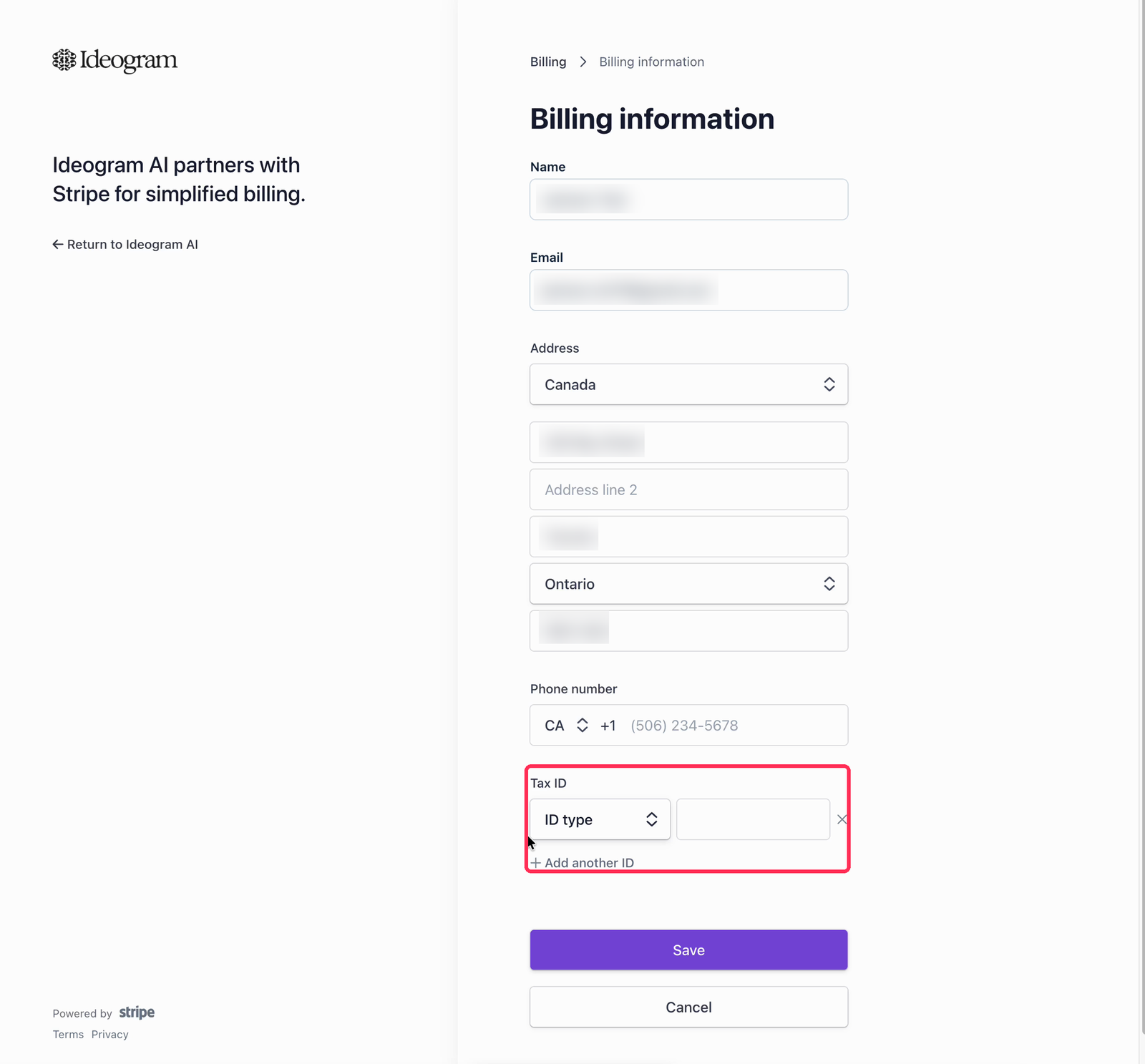
<summary>Where can I update billing details and view invoices?</summary>

Open [ideogram.ai/pricing](https://ideogram.ai/pricing), choose **Manage billing** where available, and update your billing information or view invoices. See [Account Settings](/using-ideogram/account-settings.md).

</details>

<details>

<summary>I have a specific subscription question. How do I contact support?</summary>

Contact support with the relevant billing details. See [Support](/legal-and-support/support.md).

</details>


---

# Agent Instructions
This documentation is published with GitBook. GitBook is the documentation platform designed so that both humans and AI agents can read, navigate, and reason over technical content effectively. Learn more at gitbook.com.

## Querying This Documentation
If you need additional information that is not directly available in this page, you can query the documentation dynamically by asking a question.

Perform an HTTP GET request on the current page URL with the `ask` query parameter:

```
GET https://docs.ideogram.ai/frequently-asked-questions.md?ask=<question>
```

The question should be specific, self-contained, and written in natural language.
The response will contain a direct answer to the question and relevant excerpts and sources from the documentation.

Use this mechanism when the answer is not explicitly present in the current page, you need clarification or additional context, or you want to retrieve related documentation sections.